

Build bridges, watch them break
See what fails when you load it
Real physics. Real failures. Not simmplified for games.
You design a bridge, load it, and watch exactly what snaps and why. MotionBridge pulls from actual engineering software, not game physics, so every collapse teaches you something real. Restart in seconds, rebuild in minutes, test again. For puzzle players in their 30s and 40s, that means real constraints instead of guesswork. Kids and teachers get to see physics work without staring at formulas.
Engineering Without The Wait
Six reasons why immediate feedback and real physics matter more than you think.

Instant feedback loops
Hit play and watch it respond immediately. No loading, no gap between what you do and what happens—just action and result. That speed keeps you hooked instead of sitting there waiting.

Realistic failure states
Your bridge doesn't vanish. It collapses in slow motion with detail—joints crumple, you see the stress concentrate at the exact spot where the material gave out. Suddenly the reason it failed makes sense.

Real physics, no shortcuts
This uses actual structural stress mechanics from engineering tools. Materials bend elastically and break at real thresholds. Loads spread based on shape and joint angles. Not a simplified version—it follosw actual physics.

No progression gates
Tackle Puzzles in whatever order you want. Jump ahead if you feel like it. The only thing stopping you is the physics itself and whether you understand it Enough to solve it.

Fast iteration cycles
Restarting takes seconds. Rebuilding takes a few minutes. That quickness means you test ideas constantly—adjust an angle, change materials, rebuild. The loop keeps moving before you get frustrated.

Works offline, everywhere
Windows, Mac, iPad. Download it once and you're done. No internet required, no account walls, no monthly payments. You actually own it—weird to say in 2026. Runs fine on basic graphics too.
PRECISION MEETS PLAYABILITY
Watch failure teach you
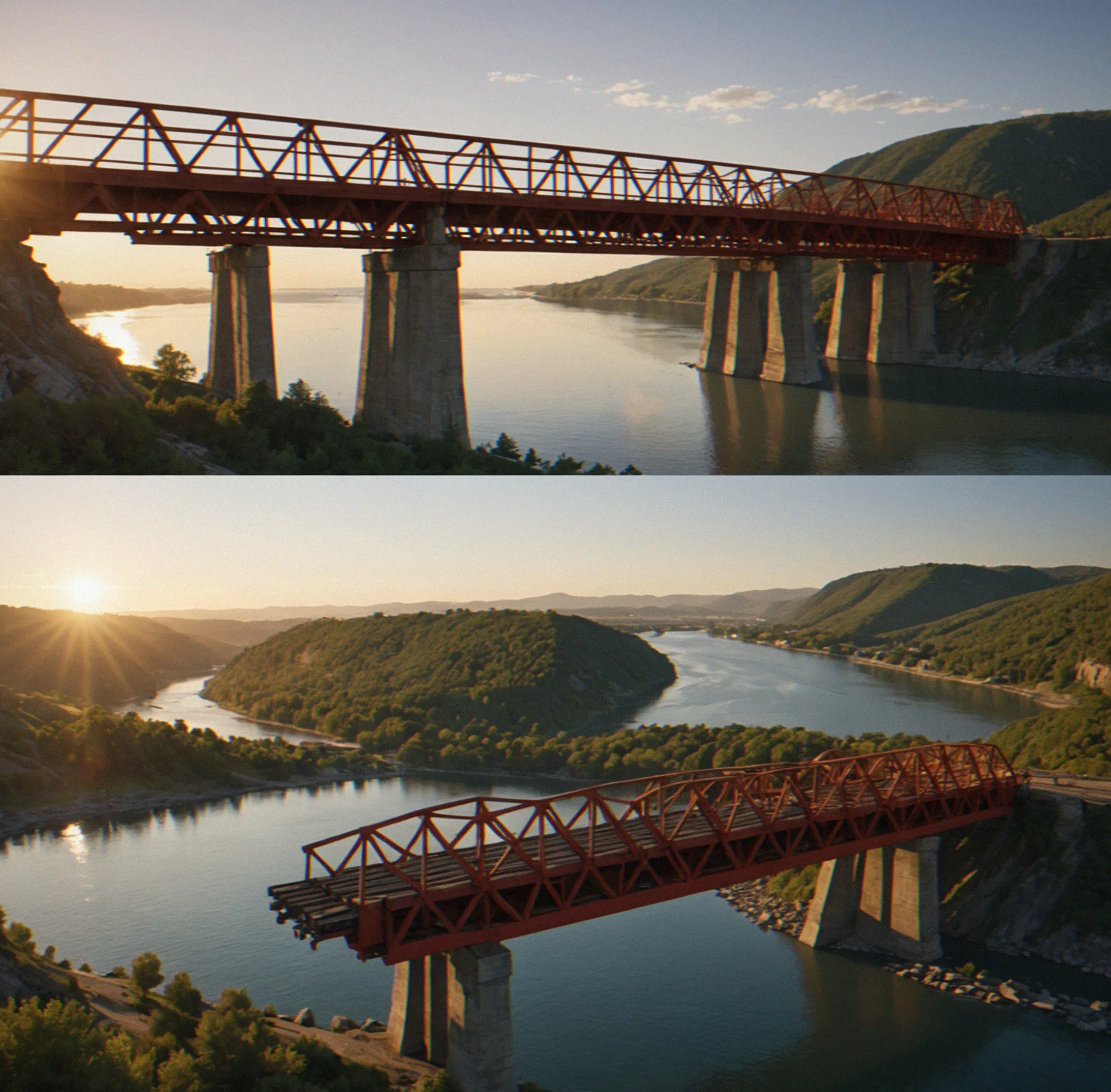
A bridge collapses the way it actually would. Slow-motion replay shows you exactly where the stress piled up, which material gave out first, what you could've done differently instead. You're not memorizing equations—you're watching it happen.
Build, test, rebuild in minutes
Restart time is basically instantaneous. No loading screens eating up your patience. That speed matters because it keeps you in the loop of testing ideas instead of just sitting around frustrated. You can swap a material and see what happens in about ten seconds.
Real structural mechanics, not approximations

The physics respects how materials actually behave, how joints sit at different angles, where loads go, and when things break. There's no hidden easy mode. Your design either holds or it doesn't and that's what makes it matter.
Progression you actually earn

There's no level gates or energy bars stopping you. The puzzles get tougher because you're juggling more constraints—multiple spans, wind, material limits—not because you unlocked something. You figure it out when you actually understand it.
How MotionBridge works
Three mechanics that actually make things stick.

Real physics simulation
Stress flows through joints based on how they're shaped and what they're made of. A beam bends, stays bent up to a point, then snaps. Change the geometry or swap materials and the load paths shift. This isn't just how it looks — this is what the engine does.

Immediate feedback loops
You build. You test. You see what happens right now. No waiting for renders, no lag. A restart takes seconds flat. That matters because you can test ideas fast instead of sitting around wondering if they'll work.

Failure as information
Your bridge falls apart. Perfect. Slow-motion shows you exactly where it broke and why. That joint couldn't handle shear. That material maxed out. That load path wasted force. Once you see it, you know what not to do next time.
Made for two completely different groups
Puzzle lovers and people learning physics. Same tool, totally different purposes.
Over 100 puzzles you can tackle in any order

There's no wall stopping you from jumping around. Pick whatever looks interesting. The real gatekeeper is whether you actually understand the physics underneath — crack that and the puzzle basically solves itself.
The physics engine comes straight from real engineering tools

Load paths, where joints actually break, how materials behave — it's all pulled from structural analysis software that engineers actually use. Sounds like a game, but the mechanics are the real deal.
Collapse happens in slow motion so you actually see what's breaking

When structures fail, they fail properly. Joints crumple. Beasm bend and twist. Materials snap at their actual limits. And you're back to trying again in about five seconds with no penalty, just data.
Built for classrooms with a teacher dashboard
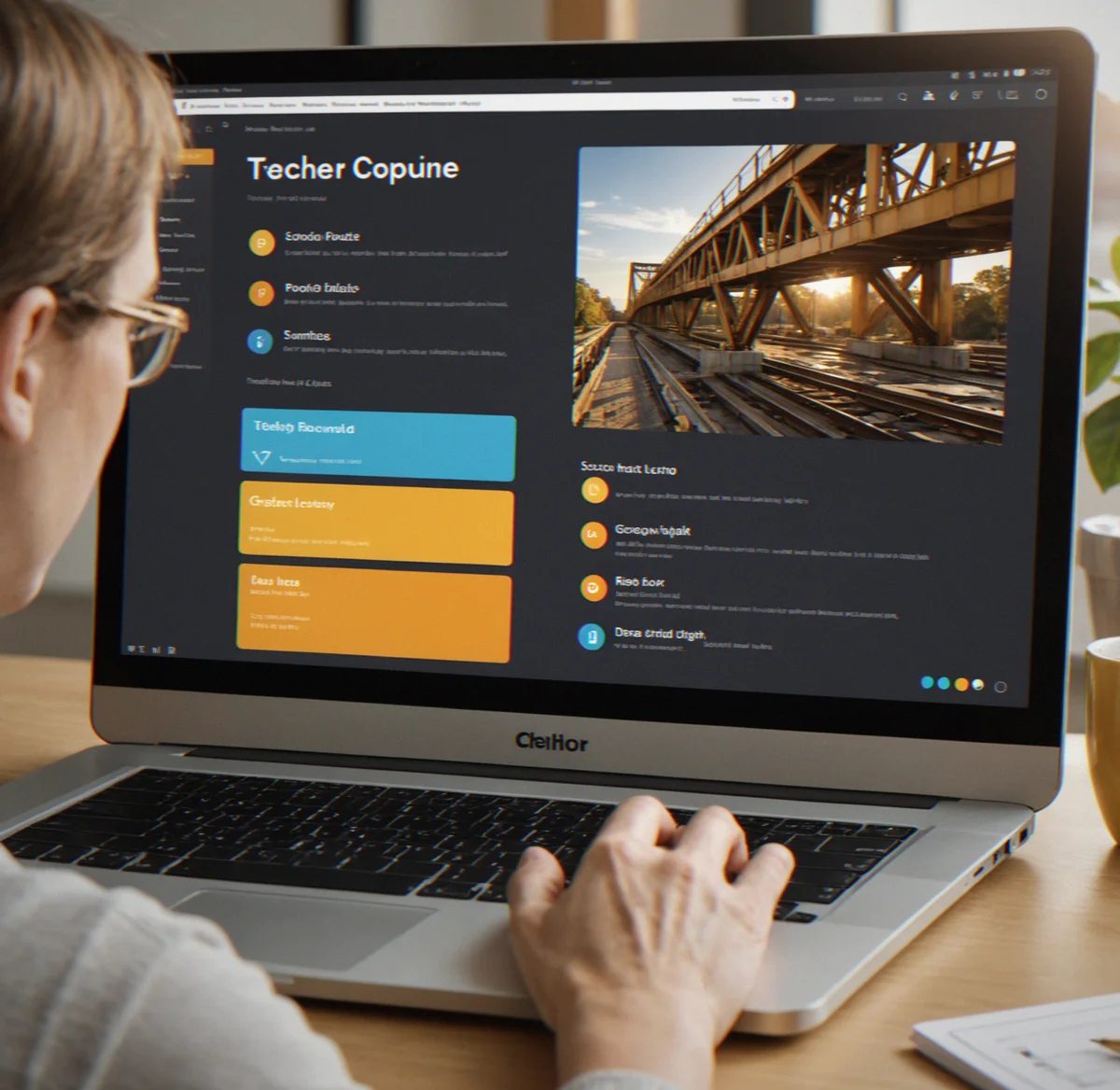
The educational version gives you tools to watch what your students are actually doing. You can see which puzzles they're working on, how many tries before they get it, and honestly that tells you way More than any test. Lesson plans come with it.
Works offline, runs on pretty much anything

Windows, Mac, iPad. Download it once and you're done. No internet needed, no monthly fees, no account nonsense. Even basic integrated graphics can handle it because the heavy lifting is physics simulation, not graphics.
Different materials actually behave differently
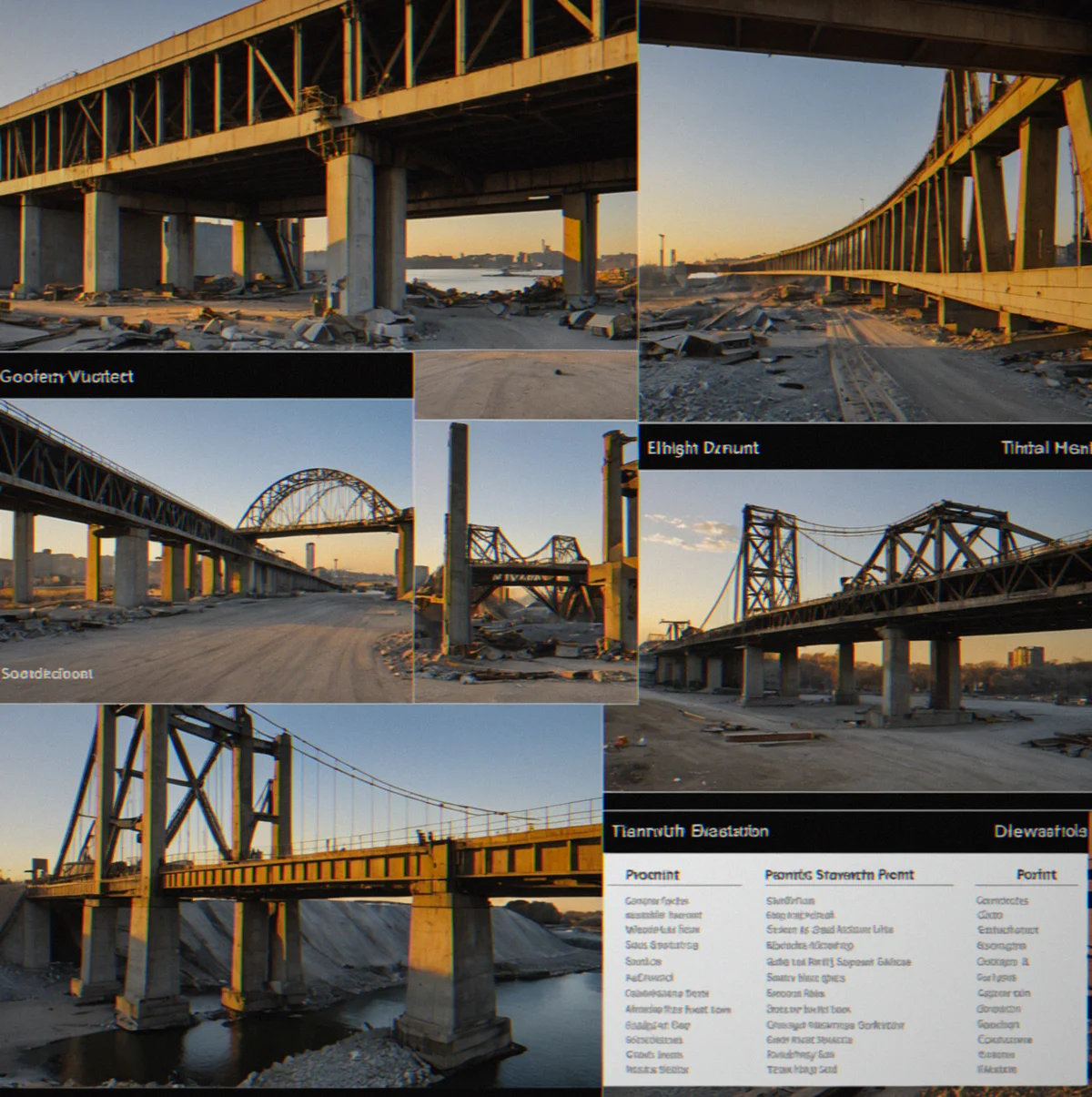
Steel carries weight in its own way. Concrete and wood have totally different failure modes. Pick titanium and yeah, you get strength but you're burning through your weight budget. You have to make real tradeoffs.
You can iterate fast enough that it doesn't get frustrating

Restarting and rebuilding takes seconds. That speed matters because it keeps you moving — test something, watch what happens, tweak it, go again. You never hit that wall where you're just waiting around.
How it works
Physics that sticks with you
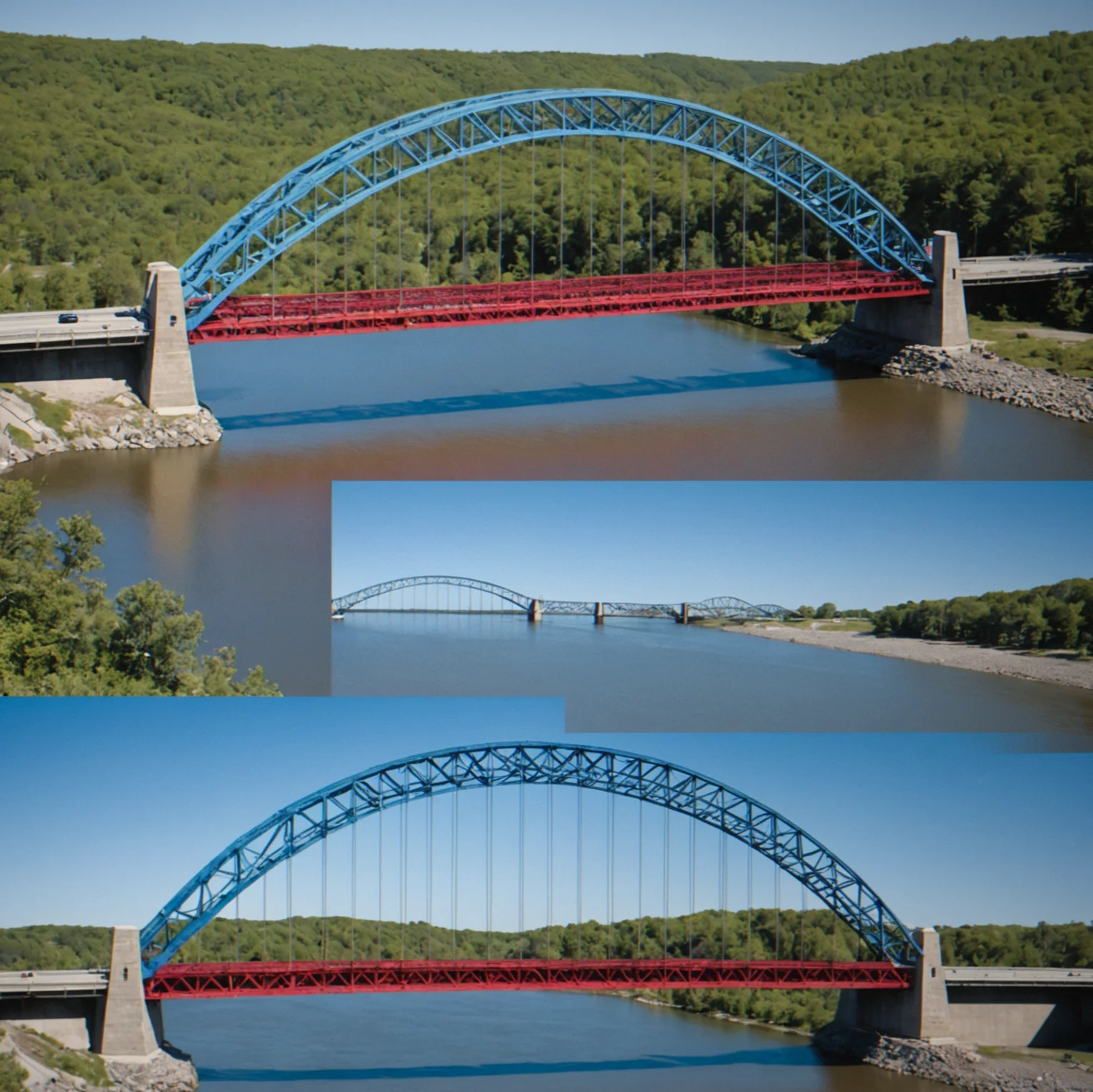
You build a bridge. Load it. Watch what happens. The physics engine doesn't cut corners — your design either holds up or it doesn't. And when it fails, that's actually where the learning kicks in. Not from reading about it or following a tutorial, but from seeing it happen right in front of you.
The cycle moves fast. You can restart in about 5 seconds. Rebuild takes a few minutes. Test it again. That speed means you stay in the flow instead of getting frustrated waiting for things to load or sitting through penalties. You're basically running experiments, getting feedback, making adjustments. Over and over.
Works whether you're someone between 25 and 45 who loves logic puzzles with actual physical constraints, or you're teaching kids aged 8 to 16 how structural mechanics actually work. The same engine handles both. No simplified version for kids. Just physics that follows the rules.
Real structural mechanics
Load paths follow the geometry you create. Materials break when they should. Joints crumple under shear stress. You're looking at actual physics simulation, not a simplified model.
Failure as feedback, not punishment
Slow-motion replays show you exactly where your design broke and why. That clarity is what makes you build smarter the next time.
No progression gates or timers
Build at your own pace. Tackle puzzles in whatever order makes sense to you. The only limit is the physics — master it and you've solved it.
Why structural failure matters
What happens when you don't understand load distribution? Your bridge fails at the worst possible moment — under full load, mid-test. But that failure teaches you more than any lecture could. You see exactly where stress concentrated. You watch the joint crumple. You understand why that angle didn't work, why that material ran out of capacity, why diagonals matter. Next puzzle, you apply that knowledge. That's learning that sticks.
Does every puzzle need to be solvable? Only if you understand the physics. MotionBridge doesn't gate progression by unlock timers or cosmetic progression bars. It gates it by comprehension. Build something. Test it. If it fails, you know why — the engine shows you. Adjust. Rebuild. Test again. That cycle, repeated over a hundred times across increasing difficulty, transforms abstract concepts into tangible understanding.